Projects
Enhancing Vault Enterprise Onboarding in a Sprint
Timeline: 1 week
Platform: iOS
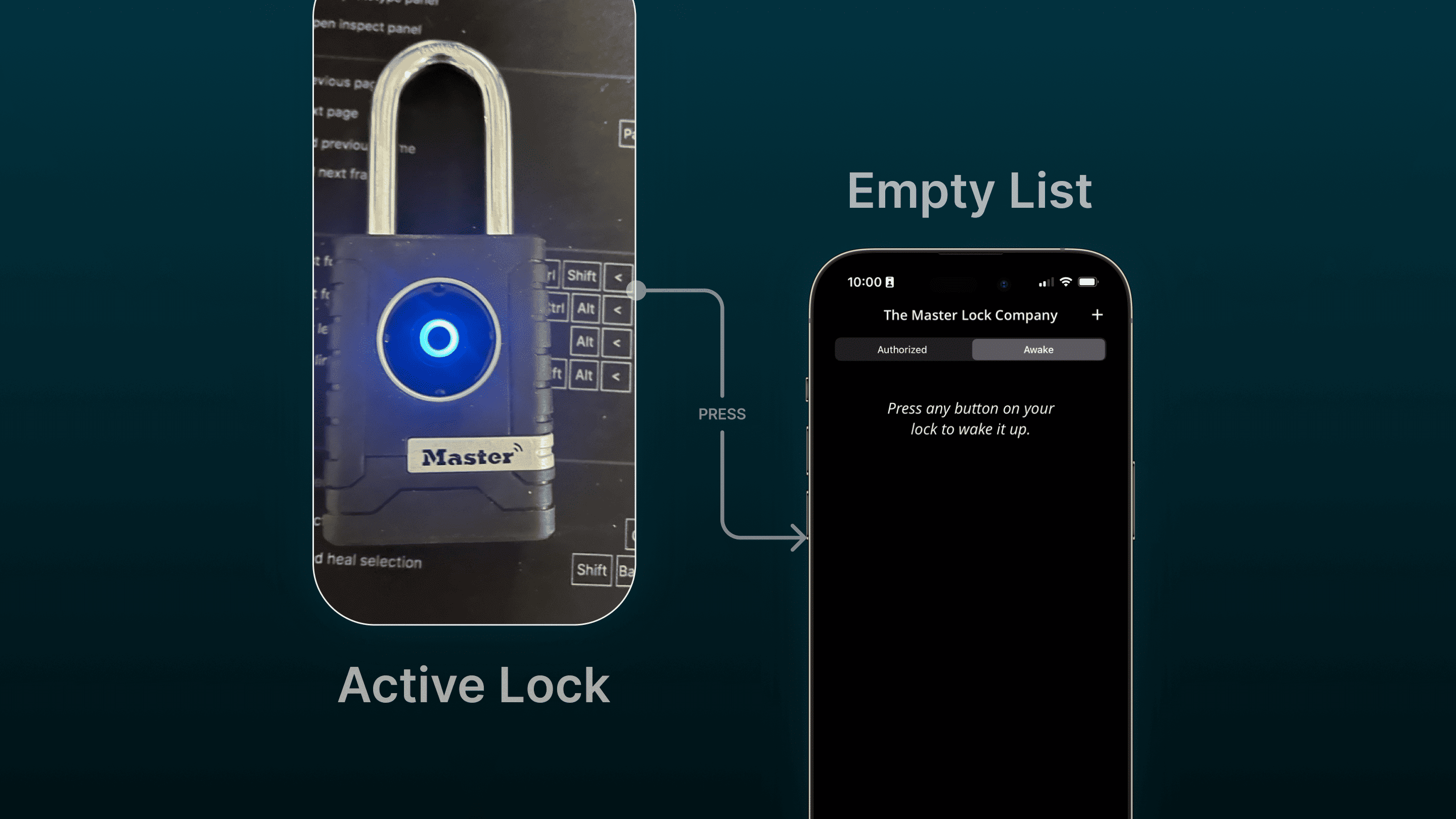
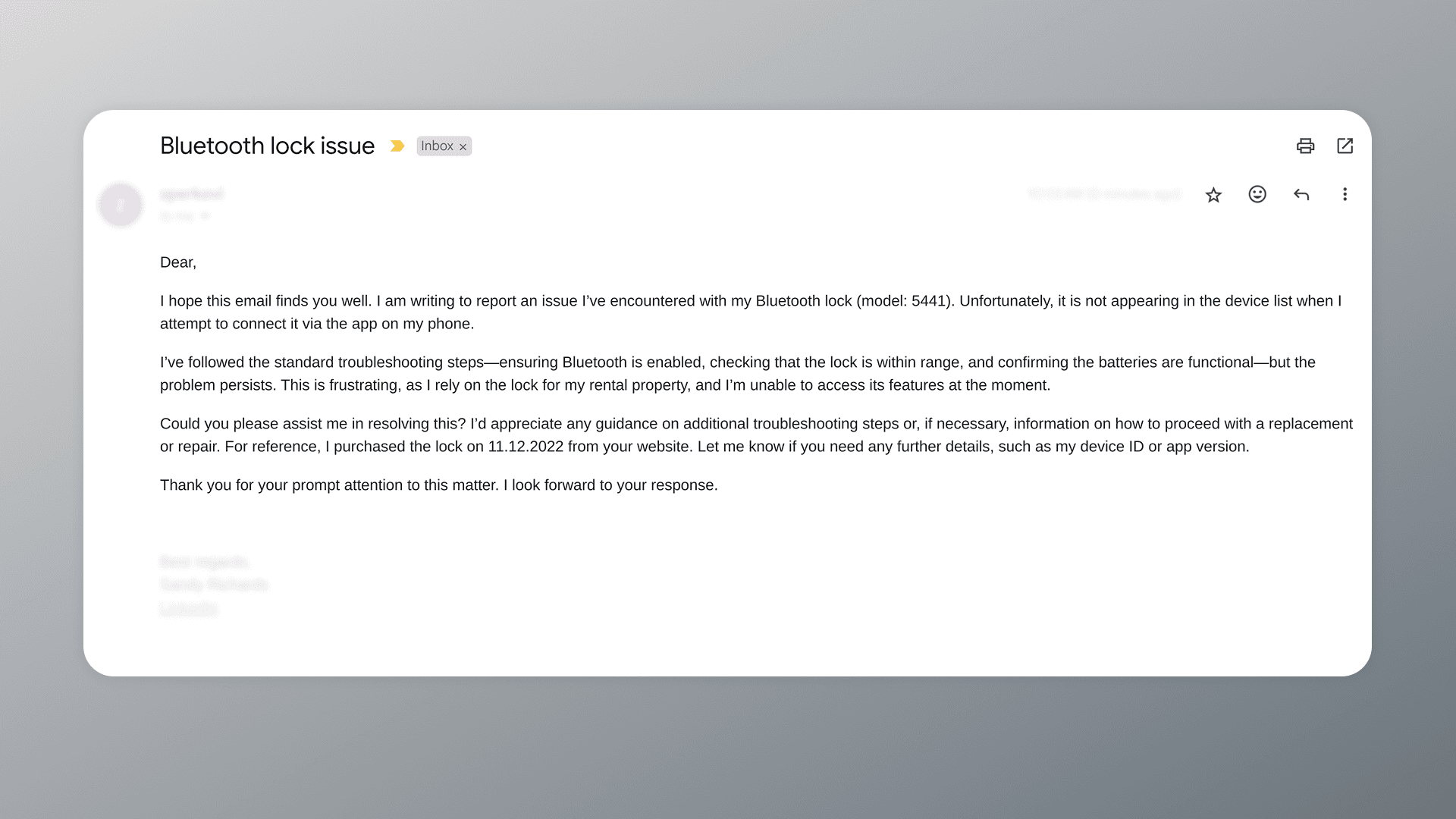
Users of the Master Lock Vault Enterprise iOS app struggled to locate critical features — like refreshing the active locks list after a connection drop — leading to confusion and a spike in support queries. In just one week, I teamed up with iOS engineer Brandon Howard to tackle this issue head-on, designing a new onboarding tutorial alongside our regular sprint tasks.
As the Product Design Lead, I drove the UX effort by:
- 🎨 Art Direction: Crafted visuals and layouts within Master Lock’s branding guidelines.
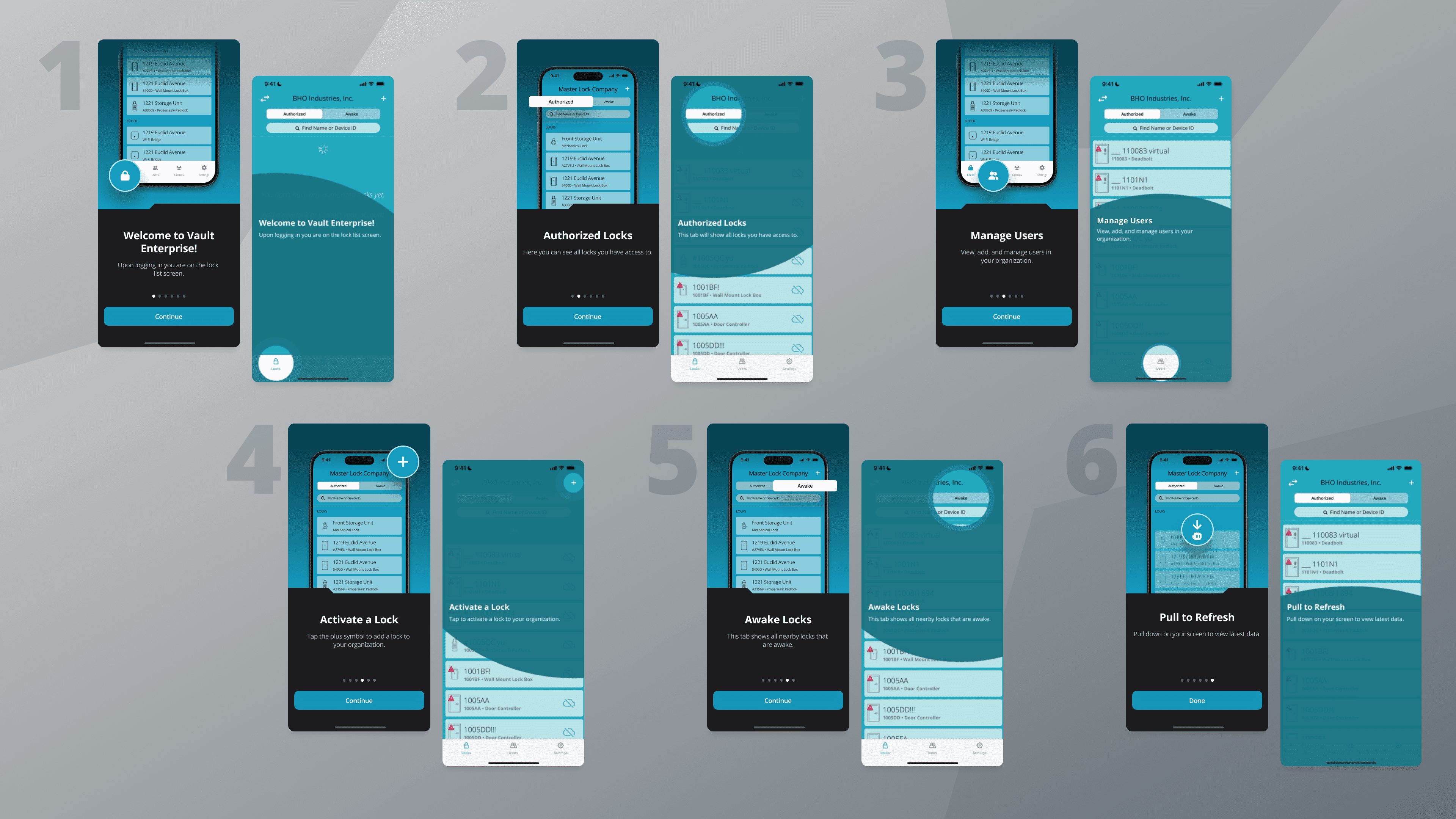
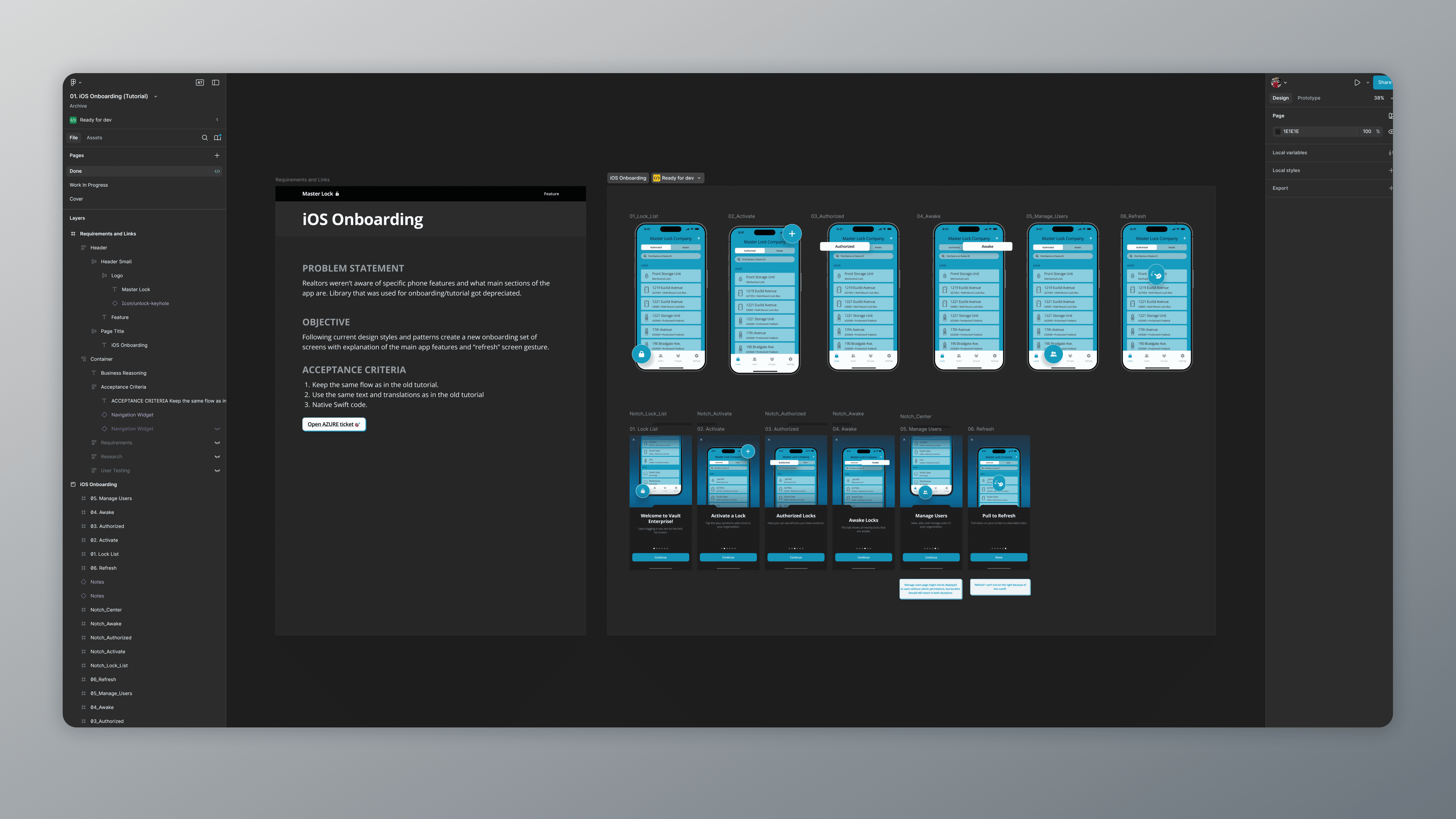
- 🚚 Design Deliverables: Created user flows, wireframes, and polished assets for the tutorial.
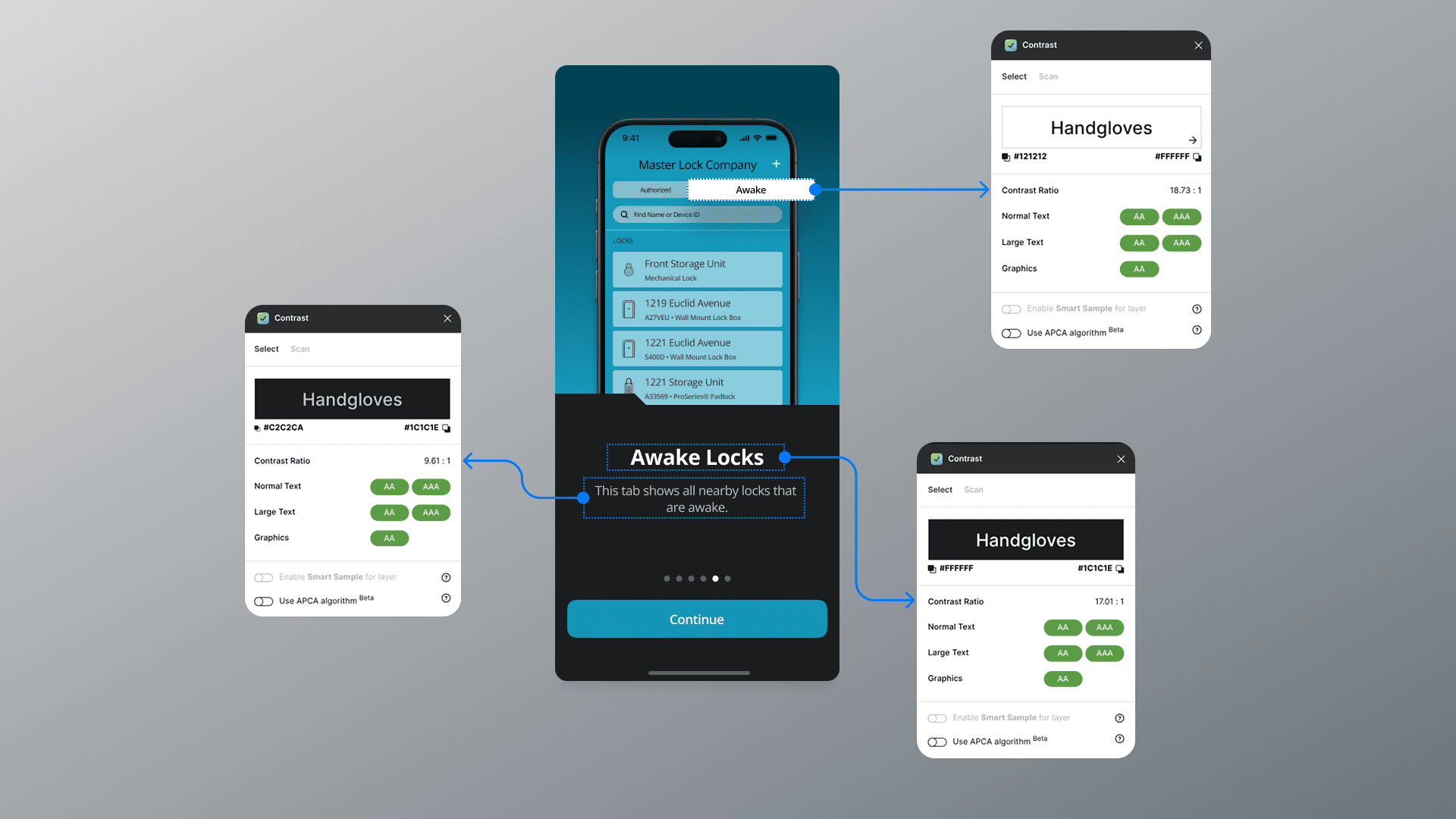
- ✅ Validation: Tested the tutorial via UserTesting and in-person sessions to ensure clarity and accessibility.
Close collaboration with Brandon enabled rapid iterations, aligning design with development for a seamless rollout.
We aimed to:
- 🧠 Boost Comprehension: Help users quickly understand key app functions.
- 📉 Cut Support Load: Reduce customer inquiries tied to navigation and feature use.
Our one-week sprint unfolded in four key steps:
- Day one - Research: Analyzed user feedback to pinpoint pain points, like lock refresh confusion.
- Day two - Wireframing: Sketched a logical tutorial flow to address these issues efficiently.
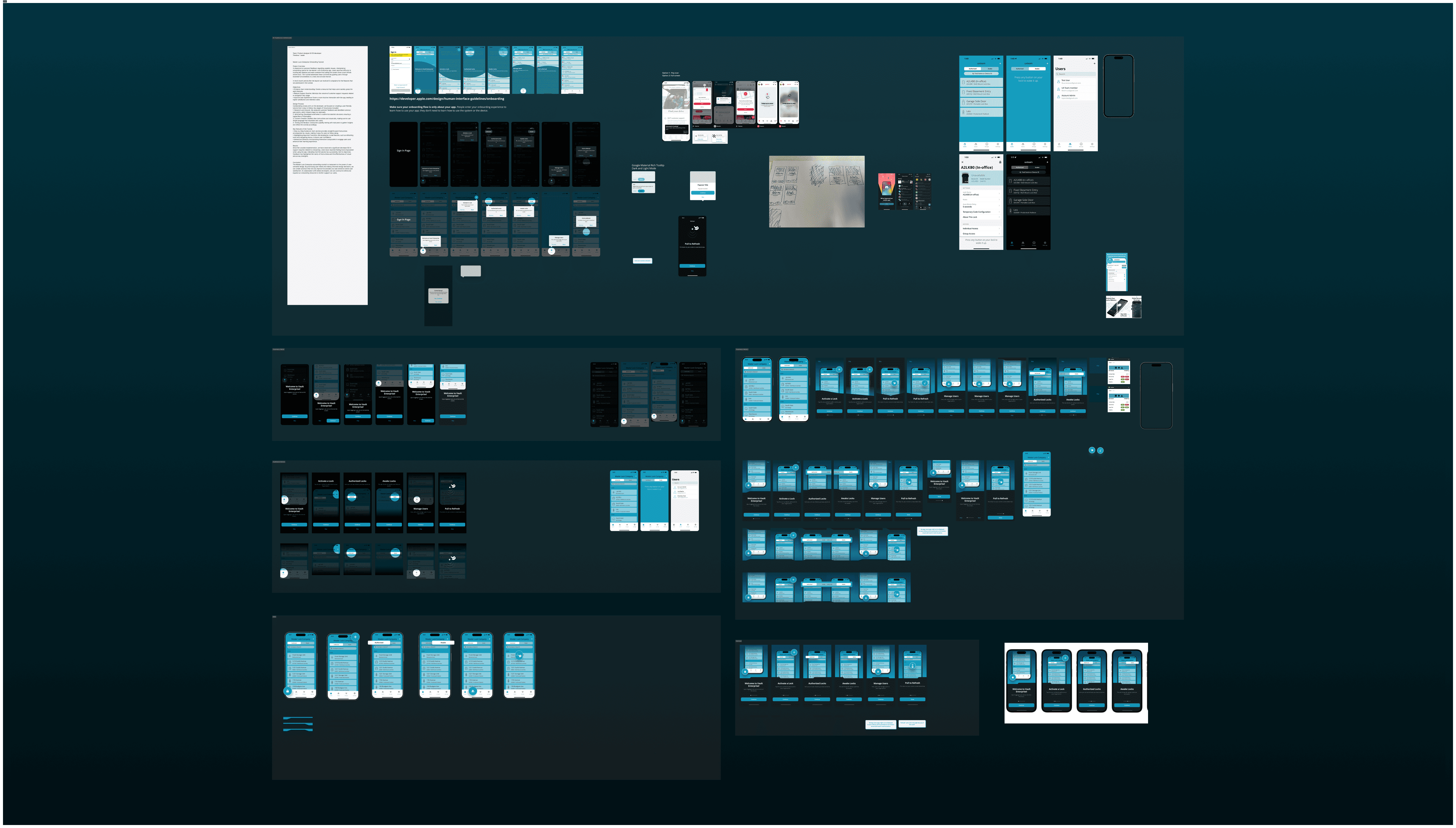
- Day three - Design (and Development): Developed clear instructions, visuals, and interactive elements in Figma.
- Day four - Testing: Ran guerrilla tests and UserTesting sessions, iterating based on real user input.
- Day five - Updates and Development: By the end of the day, Figma files were updated, Jira ticket was closed, and feature branch was ready for the code review.
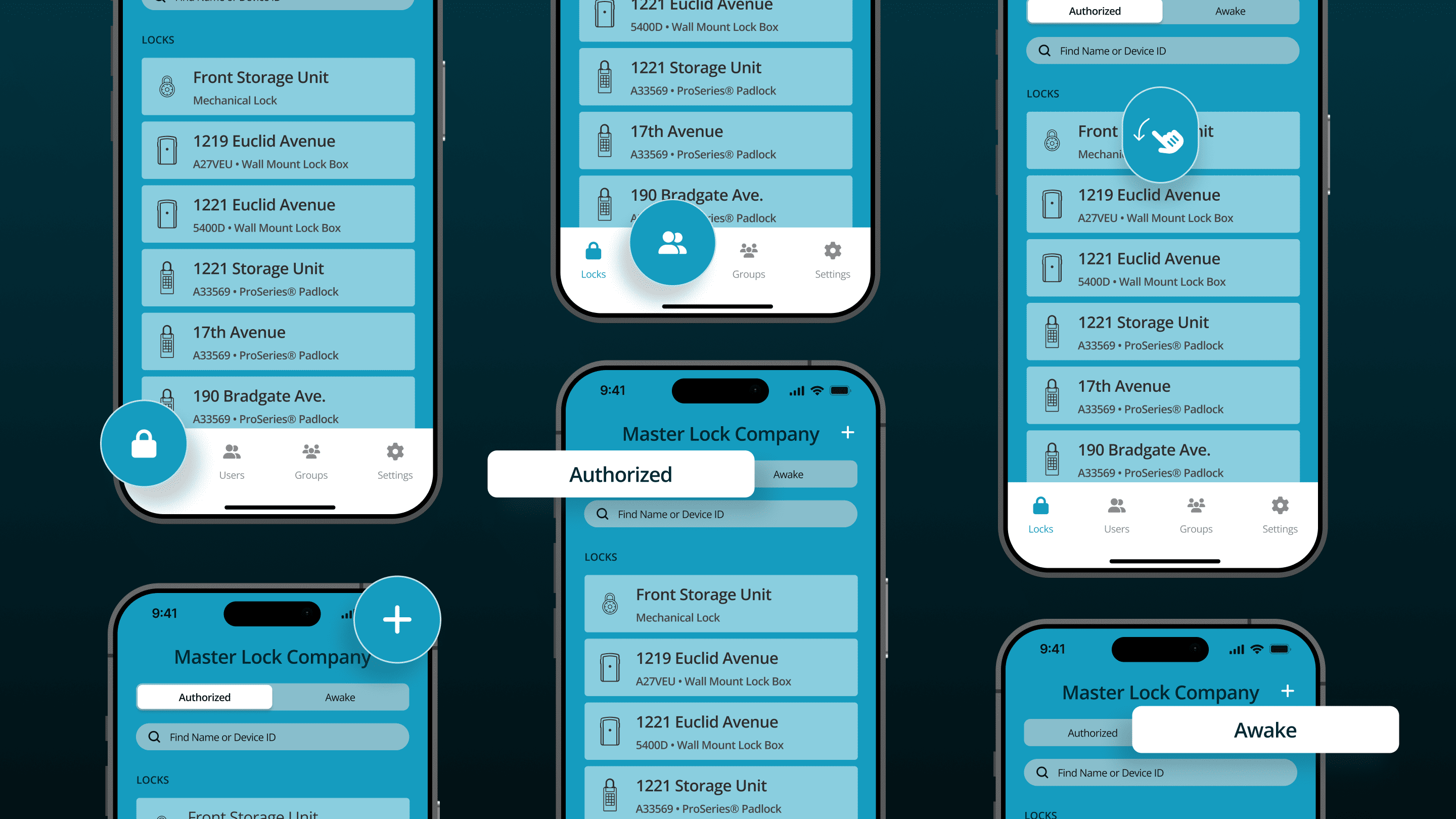
- 💡 Step-by-Step Clarity: Simple instructions paired with visuals for easy learning.
- 🌟 Feature Highlights: Emphasized essentials like lock refreshing and menu navigation.
- 🖱️ Interactive Elements: Added engaging elements to keep users active and invested.
I prototyped the tutorial in Figma and tested it with users, refining based on feedback to ensure accessibility and intuitiveness. This tight feedback loop with Brandon kept us on track for a polished deliverable.
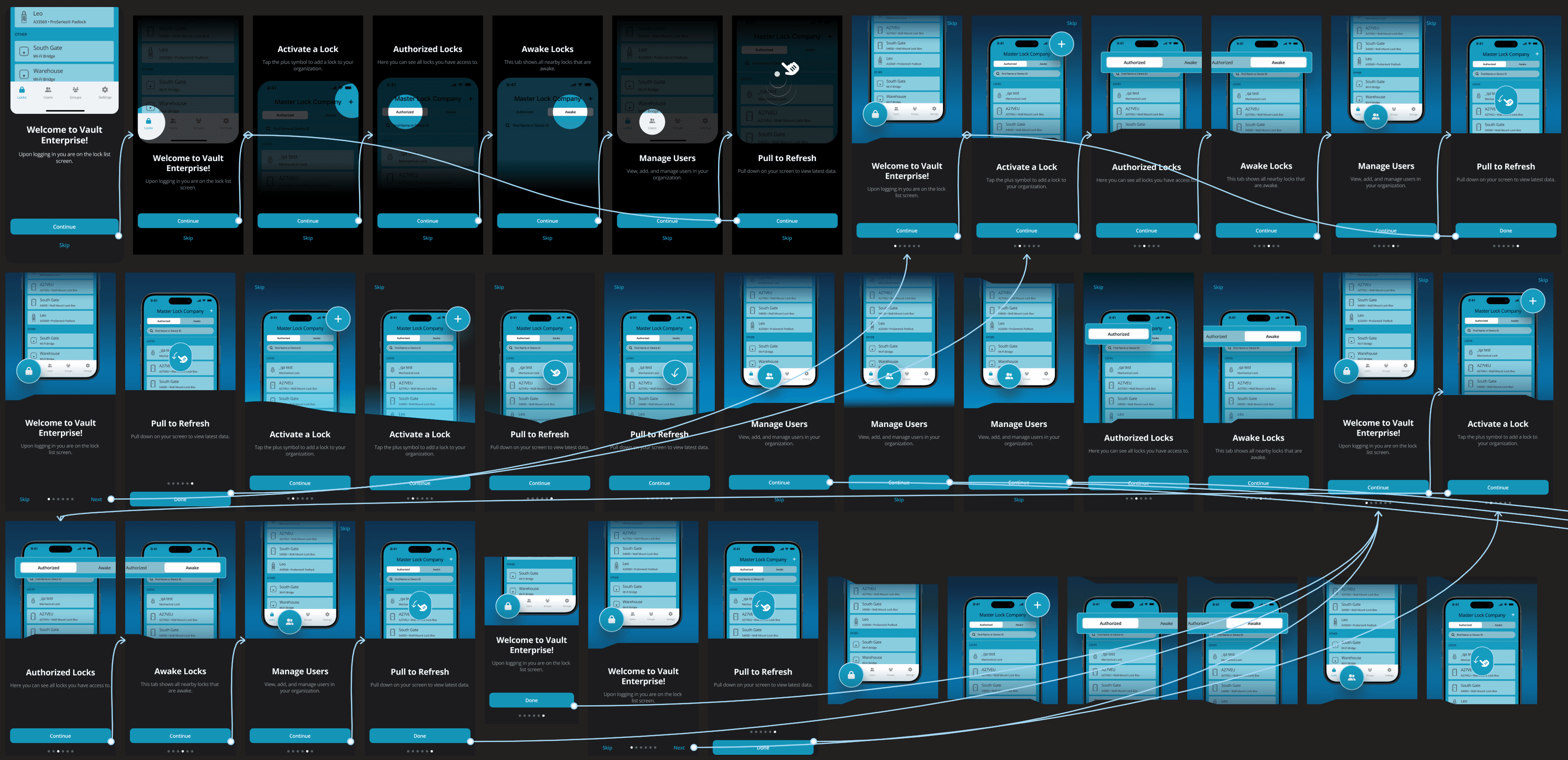
🚀 The transformation from a confusing interface to a guided, empowering, and branded experience.
Post-launch, we followed up with four users who’d reported issues. They felt “more empowered” using the app, praising the tutorial’s clarity and visuals. Support data backed this up: zero feature-related inquiries in the three months following the update — a clear win for user satisfaction and efficiency.
This sprint proved the power of tight designer-developer collaboration. By aligning UX with code from the start, we turned user frustration into confidence in just one week — reinforcing my belief in collaboration and iterative, user-focused design.