Reflections on the Purpose of Figma and QT Design Bridge
March 28, 2025
Nature and Purpose of Design
Different types of work require different tools that stem from the goals people try to achieve. Design's nature and purpose differ from the nature and purpose of development.Silicon Valley gods have been trying to create design tools that write code and use coding tools to generate designs for a while now, where most of us need tools for specific purposes.The purpose of design is to make life more enjoyable. We do that by exploring what is possible, observing people's behaviors, and designing solutions we think will work. With design, we are betting that something will work for people.
Tooling and Process
A tool like Figma helps us with big-picture thinking and collaboration, which are essential. It helps us prototype fast and share our ideas with users before we commit to them.Development starts once we are (more-less) sure something will work and are willing to put more effort into it. The purpose of development is to make possible real.At this point, we have already committed. We know the effort will be needed, so different skills and tools will be required. Designing doesn't stop here; it just changes its fidelity.One of the abilities Figma gives us is seeing these designs in very high fidelity. However, Figma fails when we want to design for embedded hardware or when we want to create more dynamic interfaces; it is not built for embedded UIs. Some options, like ProtoPie, fill that gap, but using them means all that work to create something beautiful will have to be redone on another platform, which is less than ideal. Other options, like Crank, hit the spot. Both require designers to learn how to use them.
Suggestions for QT Figma Bridge
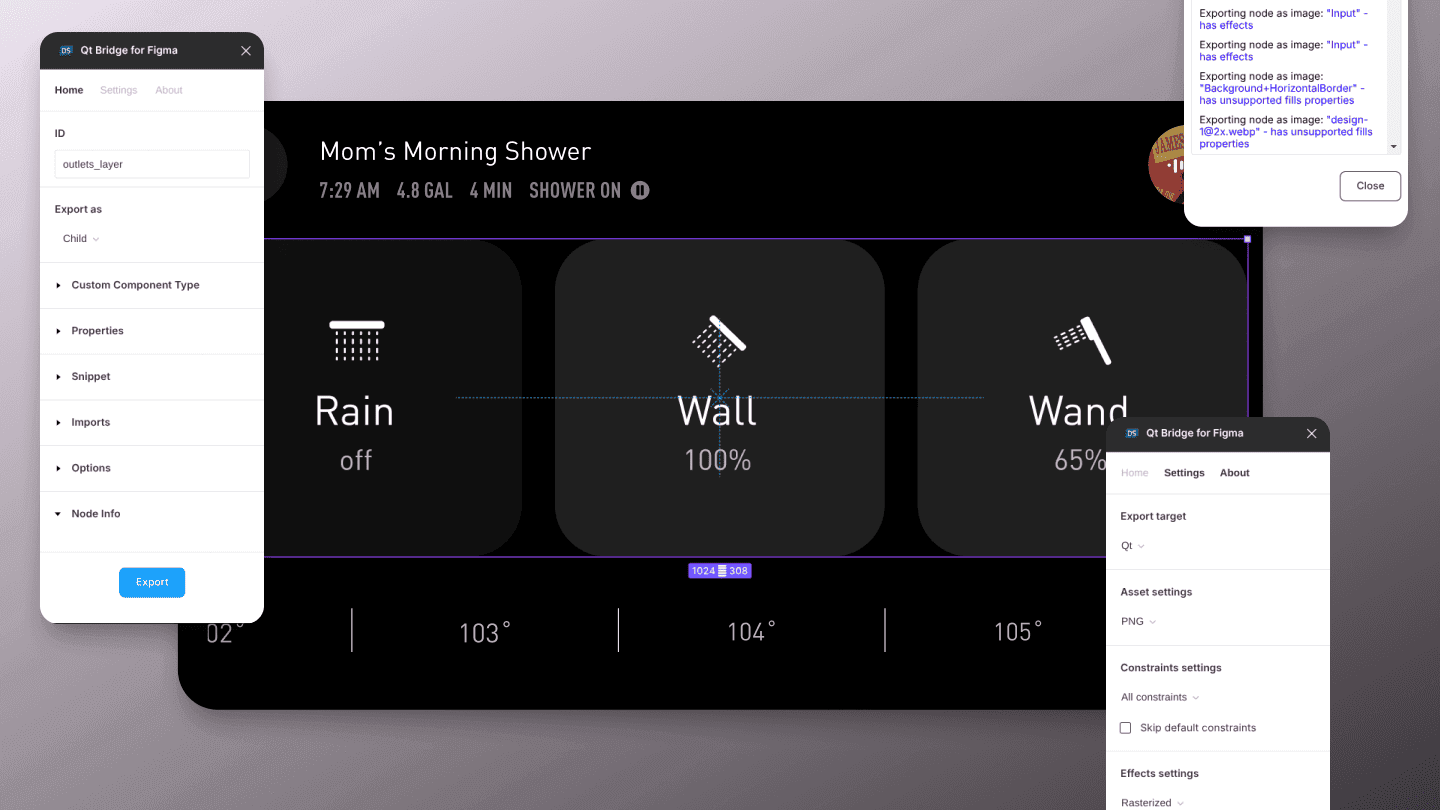
Keep it real. If you can build a tool that can't make an embedded application based on Figma designs, do it, but don't overpromise. Connecting essential variables and styles that work in 100% of the cases is better than trying to move complex components that pick up only 50% of designs.Also, since we weren't able to check our designs on the target hardware, in the environment where it will be used, and by real people, it is very likely that our designs are not final and will have to be changed once we get them there. This defeats one of the business purposes of design, which is to shorten development times by reducing risks. By association, it reduces the value of a tool like the Figma bridge. It is still valuable to smoothen the design flow and speed things up, just not as much.
Suggestions for QT Design Studio
Instead of forcing your tool to "work with" Figma, make it "look like" Figma.
When designers see a familiar layout, they are more inclined to use it. (Figma did this to Sketch.)
You don't have to copy-paste their styles but flows, for example, design vs. prototype mode.
You could also make the layout of your tool similar to the most popular no-code tools designers love, such as Framer.
Add Claude or Grok to your UI.
We have competitor AI tools, which are not as good as those two.
Keeping documentation within the QT interface is ok, but I don't want to read it.
Instead, I want to see an AI icon to help me out.
The AI assistant within QT doesn't have to generate all the code and pretend it knows anything.
You could make it work like Grammarly, where I have to start and write, and the AI helps me and acts as a good, always-ready, hands-on instructor and mentor.
Analyzing and interpreting code line-by-line is also super helpful for a non-educated designer.
Error instructions are notorious for not being helpful, as some mean developers wrote them. AI could interpret those errors, give me some meaning, and provide possible solutions.
Keep polishing your interface.
Having a code editor is super important. Good designers will put an effort into learning QML.
Being able to drag and drop is super important.
Check Framer and Webflow; their UI works for most designers.
Let me export my designs from the Design Studio directly to the target hardware.
Before I commit, I have to see the design on real hardware in a real environment used by a real person. That's called good design.
This "app" doesn't have to be fully functional. Layouts, states, screen transitions, and main flows will be enough to test the ideas in the real world.
Make transitions between QT Design Studio and Creator seamless.
Don't force me to export from one and import to another.
Conclusion
For QT to truly succeed in this space, it needs to offer designers a familiar interface, AI-assisted workflows, and direct hardware testing capabilities. The goal isn't to eliminate the distinction between design and development but to respect their different purposes while reducing friction between them.Ultimately, good design requires us to test our ideas in real environments with real users before committing to full development. Any tool that enables this process while maintaining the creative freedom designers need will find enthusiastic adoption in the industry. The future of design tools isn't about coding or not coding—it's about creating the right balance of power, accessibility, and real-world applicability.